

Sep072008
Skinning Fennec – Awesomebar
Next we have the awesomebar and its awesomeness in weeee mobile form.
Awesomebar
- list appears with bookmarked sites marked to the right
- close button in upper right to exit the awesomebar overlay
- search toolbar on the bottom
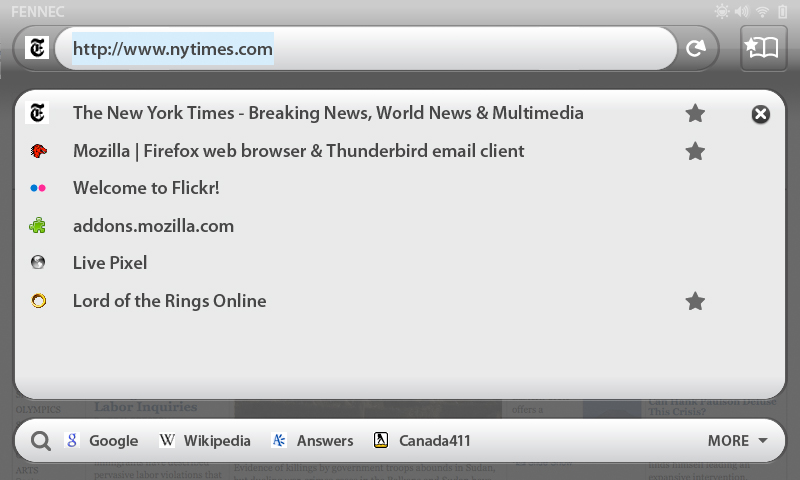
Dark on light awesomebar
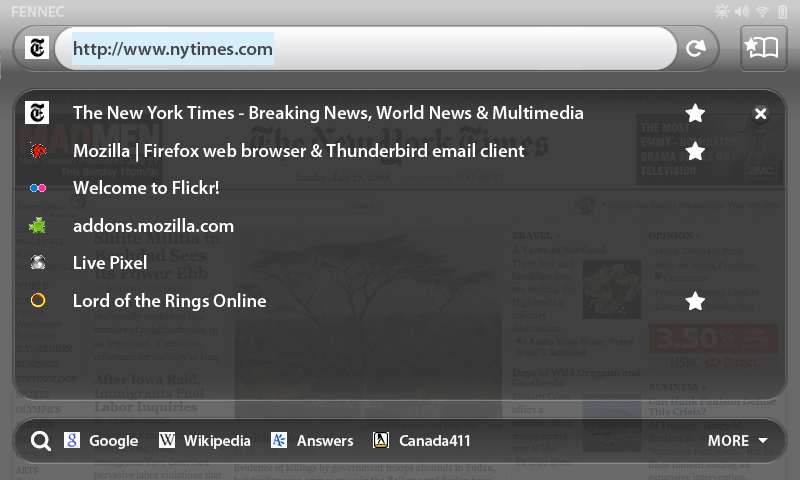
Light on dark awesomebar
Alerts
- left endcap becomes highlighted and glyph appears indicating alert
- once endcap is pressed, arrow points to opened alert information beneath awesomebar

 Note: Please refer to https://wiki.mozilla.org/Mobile/UI/Designs/TouchScreen/workingUI for all the UI wireframes with more detailed descriptions.